Custom domain
Connect your school's family portal to your own domain —for example, portal.yourschool.com— instead of the default lyn.cat subdomain.
2026-09-11
Before you start
To connect a custom domain you need:
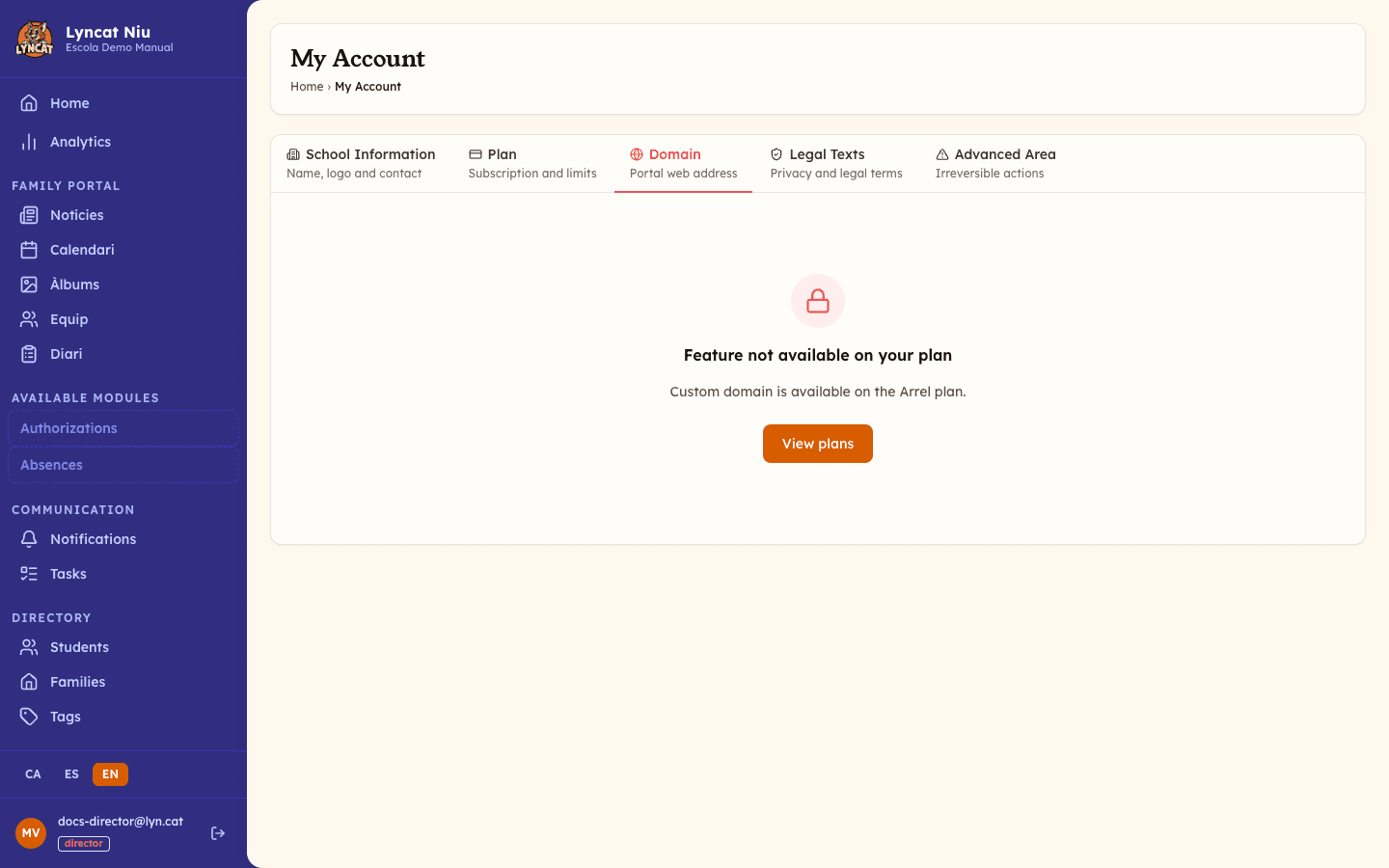
- To be on the Brot or Arrel plan (white-label schools always have access). The feature isn't available on the Llavor plan.
- A domain already registered in your name (for example,
yourschool.com). - Access to your registrar's DNS panel (GoDaddy, OVH, Cloudflare, Namecheap…).
Truc
You don't need a brand-new domain. You can reuse your school's existing domain and point a subdomain like portal. or app. to the family portal. Your website and email stay untouched.
Step by step
Pick a subdomain
We recommend using a subdomain like portal.yourschool.com rather than the root domain yourschool.com. That way your website and email stay untouched and the setup is simpler.
You can also use app., families. or any name that makes sense for your school.
Add a CNAME record to your DNS
In your registrar's panel, create a new record with these values:
- Type:
CNAME - Name / Host: just the subdomain part (e.g.
portal) - Target / Value:
<your-slug>.lyn.cat— find it under My Account → Domain in the admin panel - TTL: your registrar's default (3600 seconds is common)
Save the record. DNS propagation usually takes anywhere from a few seconds to a few minutes.
Verify and activate the domain
Go back to the admin panel, open My Account → Domain and:
- Type the full domain (for example,
portal.yourschool.com). - Click Verify domain. You'll see ✓ DNS pointing correctly once we find the record.
- Wait 15-30 seconds while the HTTPS certificate is issued automatically (Let's Encrypt).
- When you see ✓ Serving HTTPS with valid certificate, your domain is live.
- Click Open to test it in a new tab. The card also shows the CNAME we resolved and when the domain was last verified.
What to do if something doesn't work
"Could not verify domain"
This means DNS hasn't propagated yet, or the CNAME isn't pointing to the right target. Check it at dnschecker.org — enter your full domain and type CNAME. You should see <your-slug>.lyn.cat on most servers. If it doesn't show up anywhere, go back to your DNS panel and confirm the record was saved correctly.
The HTTPS certificate doesn't become active
If after a minute you still see Issuing certificate…, wait 5 more minutes and click Check HTTPS. DNS may still be propagating to every node. If it's still not working after half an hour, get in touch at support@lyn.cat.
My registrar won't let me add a CNAME on the root domain
Important
A CNAME on the root domain (without a subdomain, like yourschool.com directly) isn't supported by most registrars —it's not compatible with the DNS standard. Always use a subdomain like portal., app. or similar.
Frequently asked questions
Can I have more than one custom domain? No, only one domain per school can be connected. If you verify a new one while another is active, the panel asks for confirmation (Replace the current domain?) and warns you that the previous domain will stop working immediately.
Will the original <your-slug>.lyn.cat subdomain still work?
Yes, both work in parallel. The lyn.cat subdomain is always active —it's useful as a fallback if you ever have an issue with your domain.
What happens if my domain expires? Families will see a DNS error until you renew it. We can't prevent this —your domain registration is your responsibility. We recommend enabling auto-renewal at your registrar.
Can I disconnect the domain later?
Yes. Go to My Account → Domain and click Disconnect domain. You will be asked to confirm (Yes, disconnect) and will instantly fall back to the lyn.cat subdomain. If you want to reconnect it later, you will need to verify it again. Remember to also remove the CNAME record from your DNS if you're no longer going to use it.
How long does the whole process take? If you have access to your DNS panel, usually less than 10 minutes —the slowest part is DNS propagation, which is usually a matter of minutes.