
Invoices
How to view and download subscription invoices from the administration panel.
2026-09-11
Before you start
- You need the Director role to access account settings.
- Invoices only appear if you have or have had an active paid subscription. No invoices are generated during the trial period.
- If your school is on a custom plan (white-label), invoice management is handled directly by Lyncat. Contact us at suport@lyn.cat.
- Some schools are billed outside the platform (for example, by bank transfer or managed directly with Lyncat) instead of through Stripe. If this applies to you, the invoice list and its statuses work the same way, but there is no payment portal or subscription to manage: see the note in "View or download an invoice" below.
Step by step
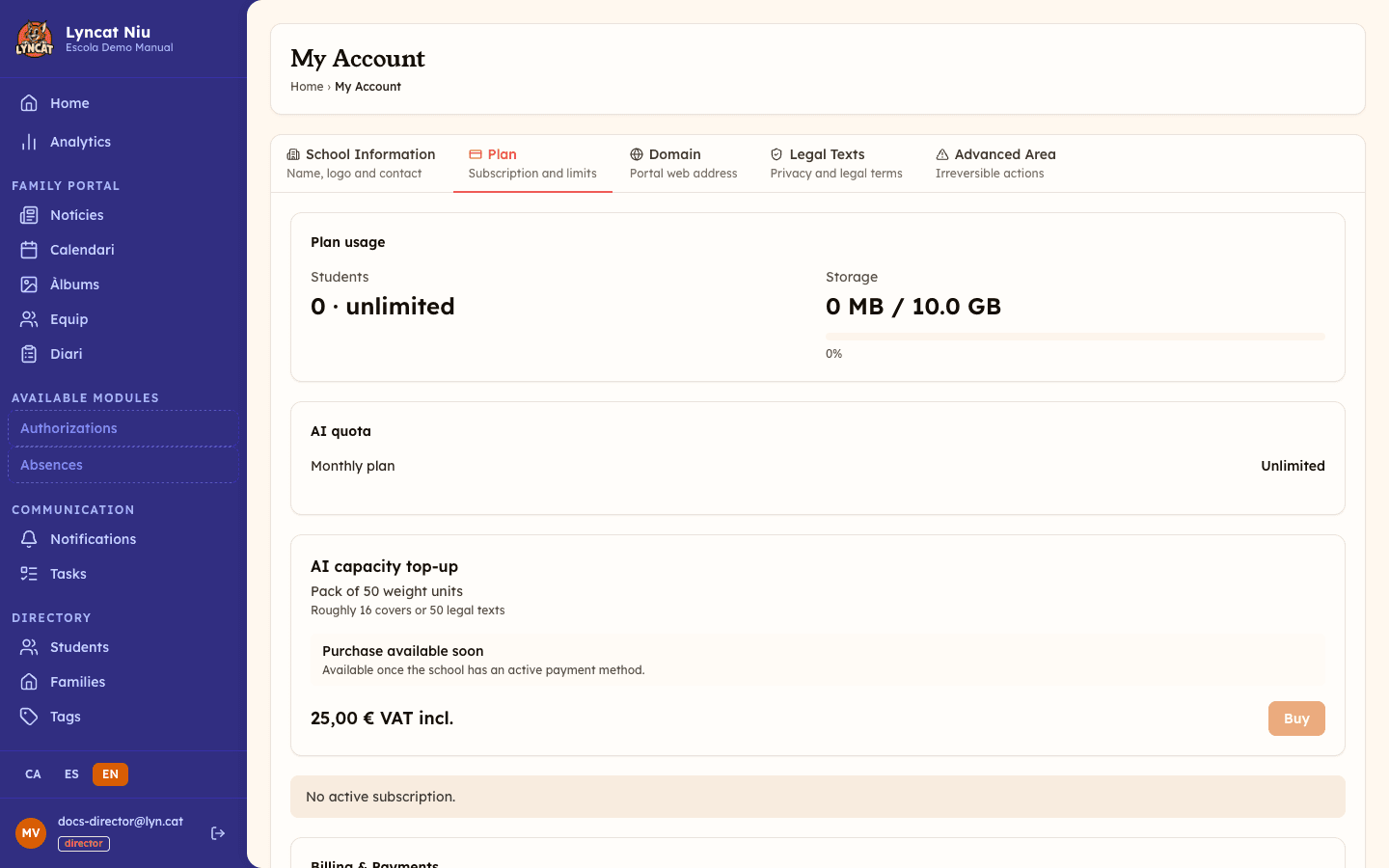
Open My account → Plan
In the side menu, click My account. On the page that opens, select the Plan tab.
Scroll down until you find the Recent invoices section.
Review the invoice list
The table shows, for each invoice:
- Number — the invoice number (e.g.
0001/2026). - Date — the issue date.
- Amount — the total amount paid.
- Status —
Paid,Open,Void, orUncollectible. If your school is billed outside Stripe, you may seeOverdueinstead ofUncollectibleon a pending invoice that is past its due date.
View or download an invoice
In the action column of each row you will find two icons:
- The external link icon (View) opens the invoice on a Stripe-hosted page, where you can print it or save it.
- The download icon (PDF) downloads the invoice PDF directly.
To manage all invoices or update your payment method, click View all invoices at the bottom of the section.
If your school is billed outside Stripe, a note under the Recent invoices heading reminds you of it, and the action column shows only a download icon: clicking it generates the PDF on the spot. There is no "View all invoices" link, since no external payment portal exists.
Truc
The invoice PDF includes your school's name and tax ID as configured in Stripe. If you need to correct this information, contact us at suport@lyn.cat.
What to do if...
I can't see any invoices section
The Recent invoices section only appears if the school has an associated paid subscription. If you are in the trial period, the section will not be shown until you activate a paid plan.
The download icon does not work
Some browsers block automatic downloads from external domains. Try clicking the external link icon to open the invoice in the browser and download it from there. If your school is billed outside Stripe you only have the download icon: when it fails, the panel shows the message Could not download the invoice. Please try again. Try once more and, if the error persists, contact us at suport@lyn.cat.
An invoice shows as "Open"
This means the payment has not been completed. Click View all invoices or Manage subscription to access the billing portal and resolve the pending payment. If your school is billed outside Stripe, there is no portal: contact Lyncat to settle the payment.
An invoice shows as "Overdue"
This status only occurs for schools billed outside Stripe: the invoice is still pending payment and is past its due date. Contact Lyncat to settle it.
Frequently asked questions
Can I download invoices as PDF? Yes. Each invoice has a download icon that generates the PDF directly.
How many invoices are shown in the list? The table shows 10 invoices per page, most recent first; if there are more, use the pagination controls at the bottom of the table. If you need the full history, click View all invoices to open the Stripe billing portal.
The school name on the invoice is wrong. What do I do? Invoice data (name, tax ID, address) is taken from the profile configured in Stripe at the time of subscription. If you need to correct it, contact us at suport@lyn.cat and we will handle the change.
Can I receive invoices by email? Stripe automatically sends a confirmation email each time a payment is processed. If you do not receive it, check your spam folder or contact us.